
Description
Product Overview
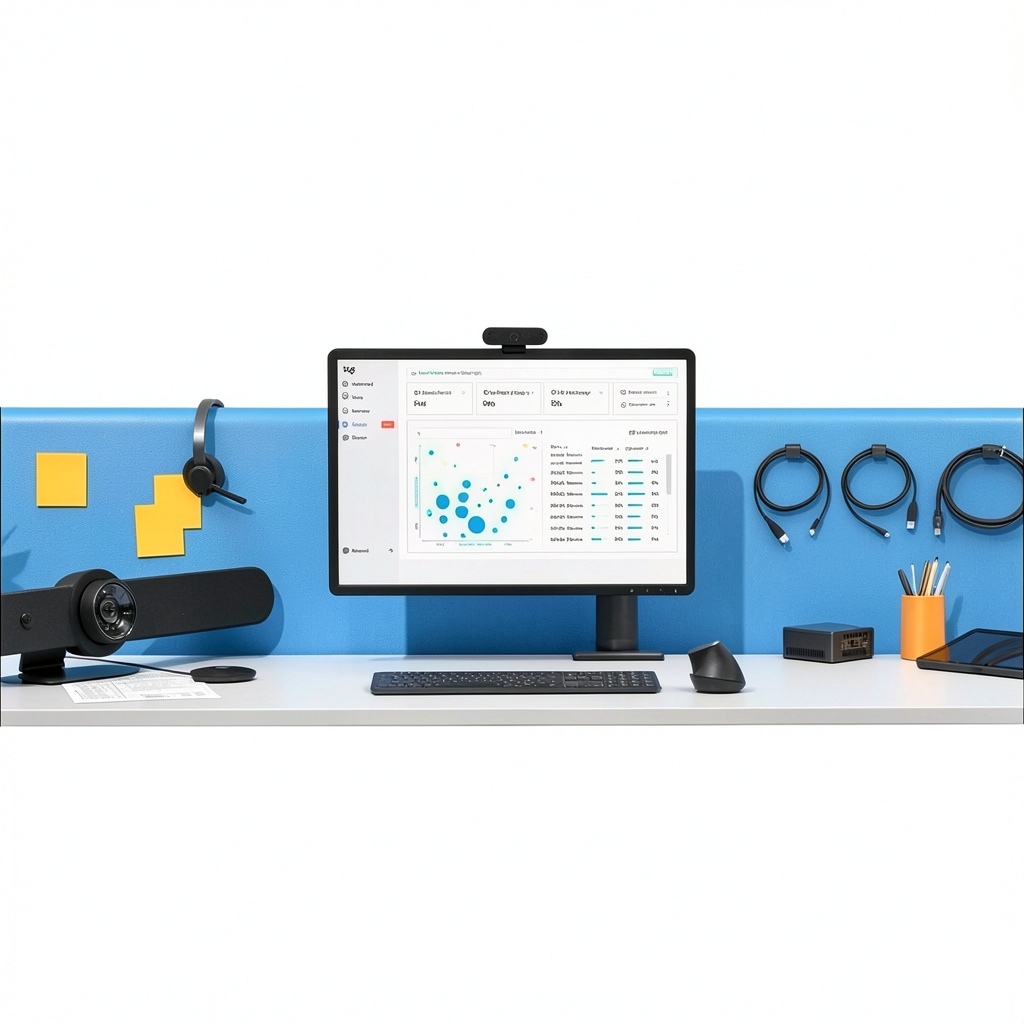
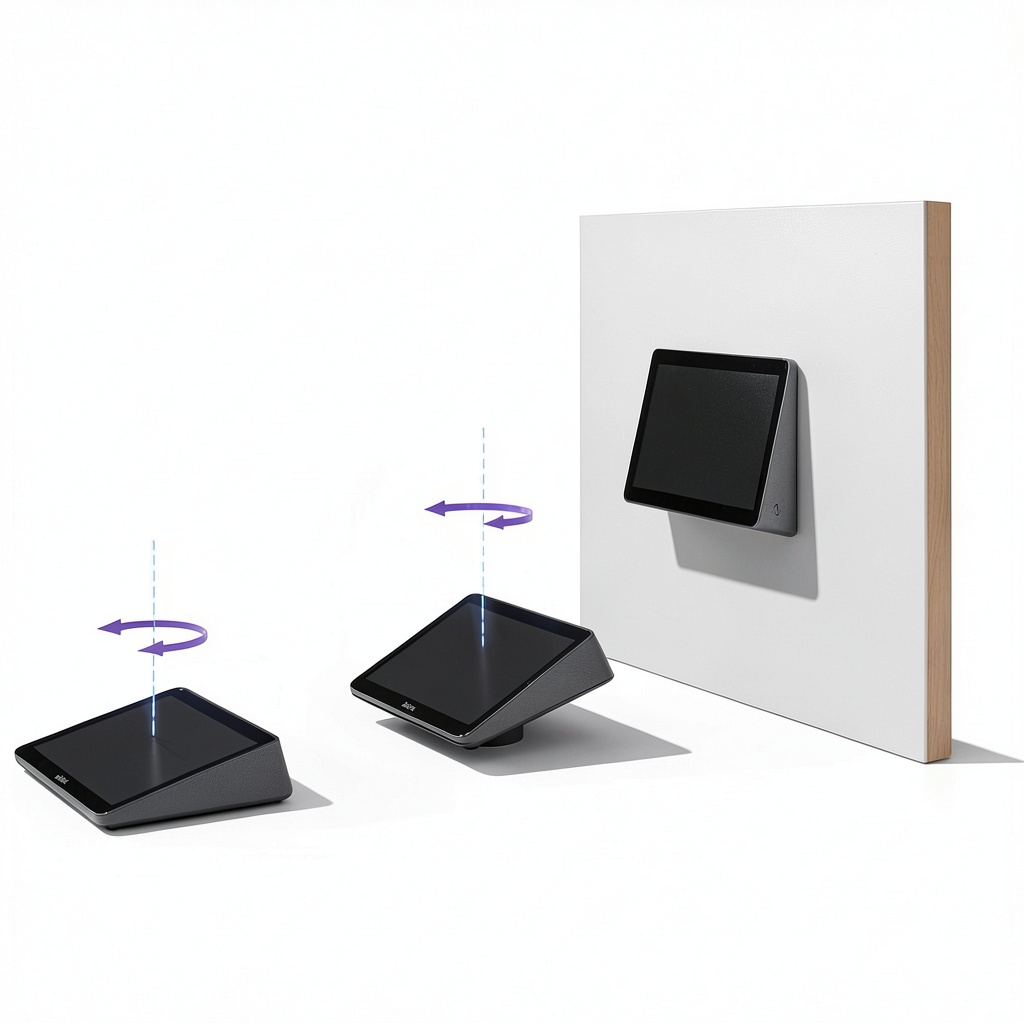
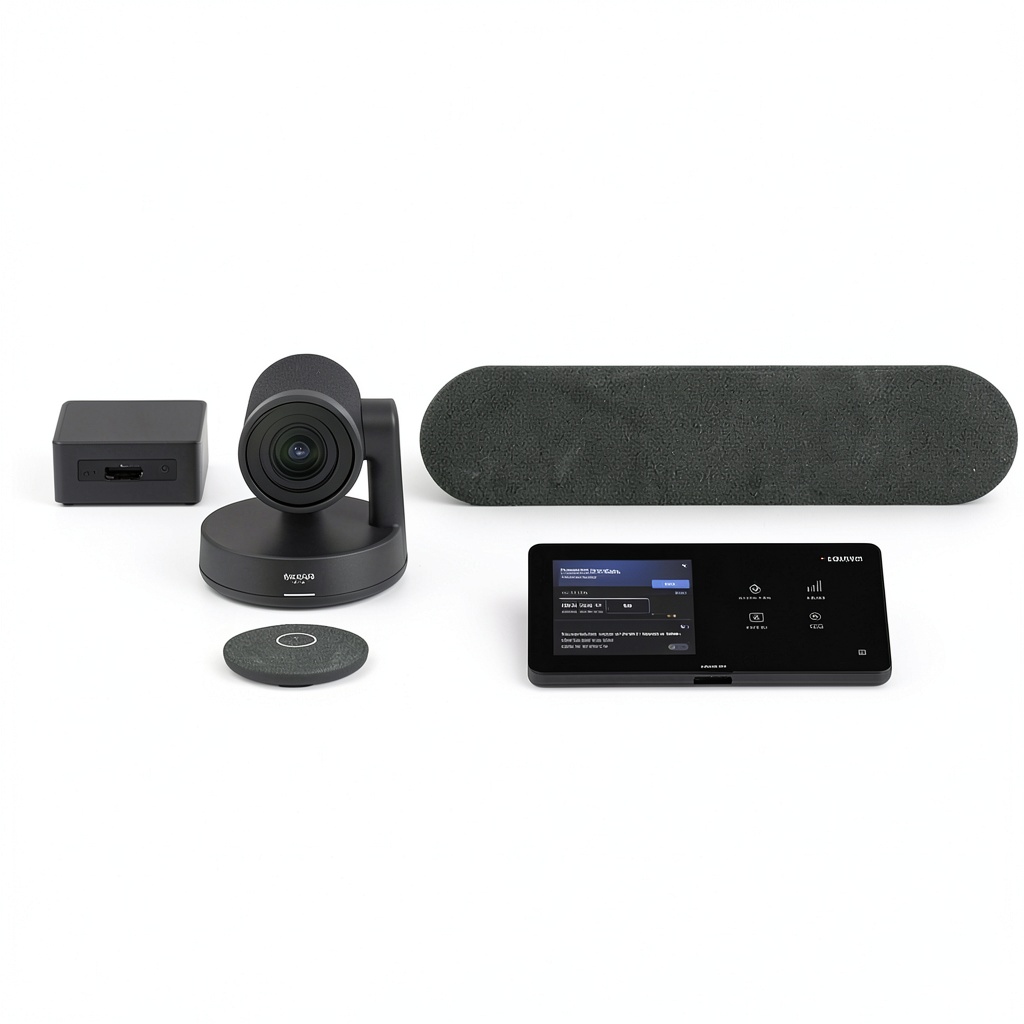
The Logitech Medium Microsoft Teams Rooms system integrates the Tap interface, Rally video bar, and ASUS NUC computing unit to create a comprehensive collaboration solution. Designed for professional environments, it features high-definition video capture, crystal-clear audio, and intuitive controls. The system supports seamless integration with Microsoft Teams, ensuring efficient meeting experiences with robust performance and durable construction in a graphite finish.
Usage
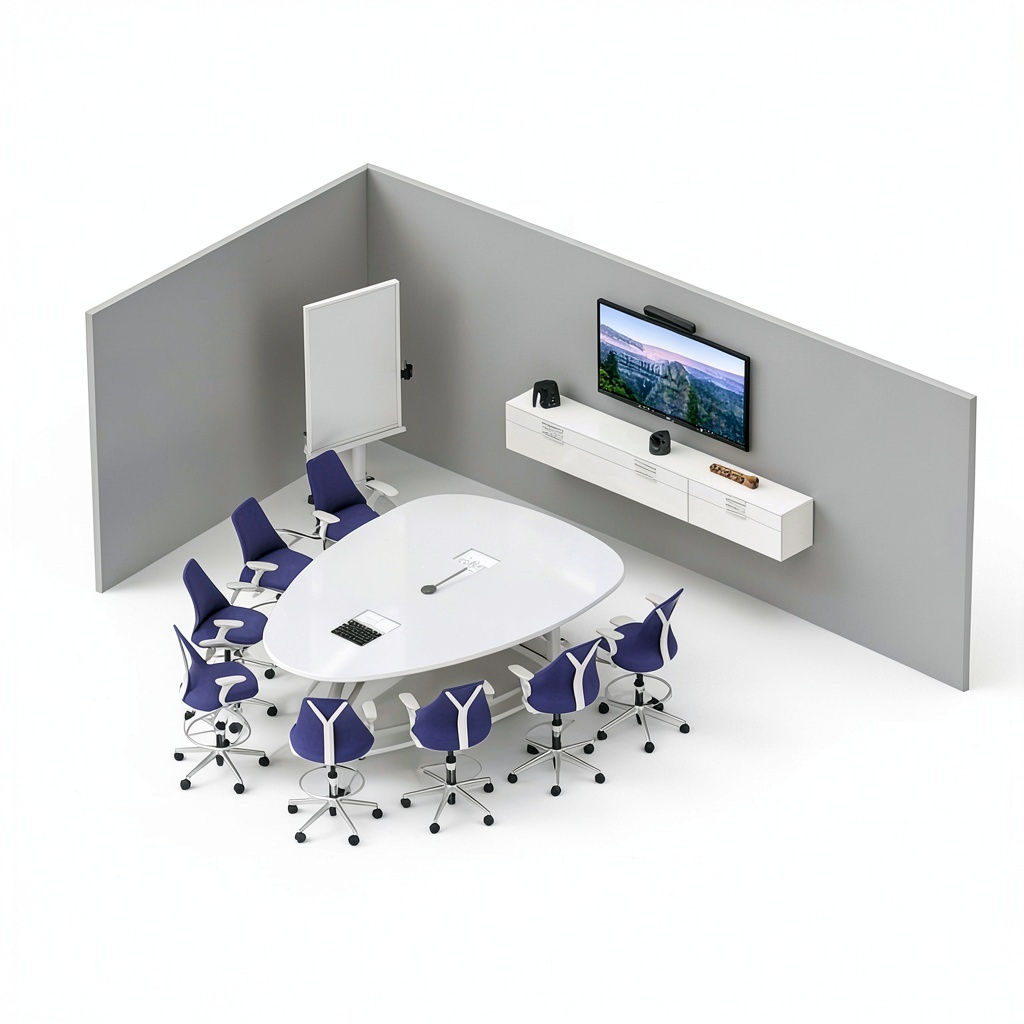
This system is ideal for medium-sized collaboration spaces such as conference rooms, huddle areas, and team meeting rooms in offices, educational institutions, and corporate settings. It facilitates remote meetings, presentations, and group discussions, enhancing productivity and connectivity for businesses relying on video conferencing tools.
Why Choose Us
Logitech’s collaboration systems are built with precision engineering and user-centric design, offering reliable performance and ease of use. The integration with ASUS NUC ensures stable computing, while the Rally system provides superior video quality. This product stands out for its compatibility, durability, and professional-grade features that meet the demands of modern workplaces.
Key Features
- High-definition video and audio for clear communication
- Seamless integration with Microsoft Teams for efficient collaboration
- Durable construction with a sleek graphite design
- Easy-to-use Tap interface for intuitive control
- Reliable performance with ASUS NUC computing support
FAQ
What is included in the Logitech Medium Microsoft Teams Rooms system?
The system includes the Logitech Tap interface, Rally video bar, and ASUS NUC computing unit, all designed to work together for video conferencing and collaboration.
Is this system compatible with other video conferencing platforms?
While optimized for Microsoft Teams, it may support other platforms with additional configuration, but performance is best within the Teams ecosystem.
What room sizes is this system suitable for?
It is designed for medium-sized collaboration spaces, typically accommodating small to medium conference rooms or huddle areas.
How do I set up the Logitech Teams Rooms system?
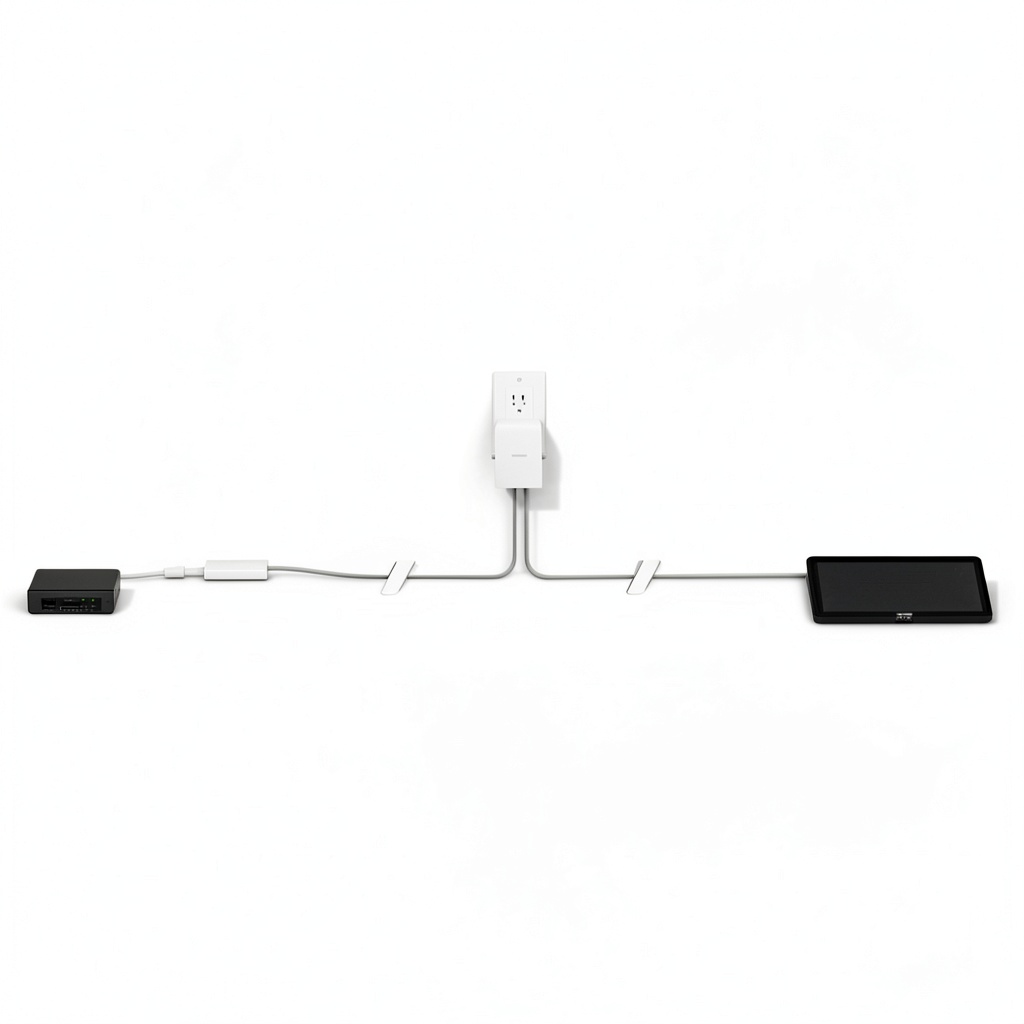
Setup involves connecting the Tap, Rally, and ASUS NUC components as per the provided instructions, with network and software configuration for Microsoft Teams integration.
Does the system require ongoing maintenance?
Regular software updates and occasional hardware checks are recommended to ensure optimal performance, but the system is built for low maintenance in professional use.

Reviews
There are no reviews yet.