
Description
Product Overview
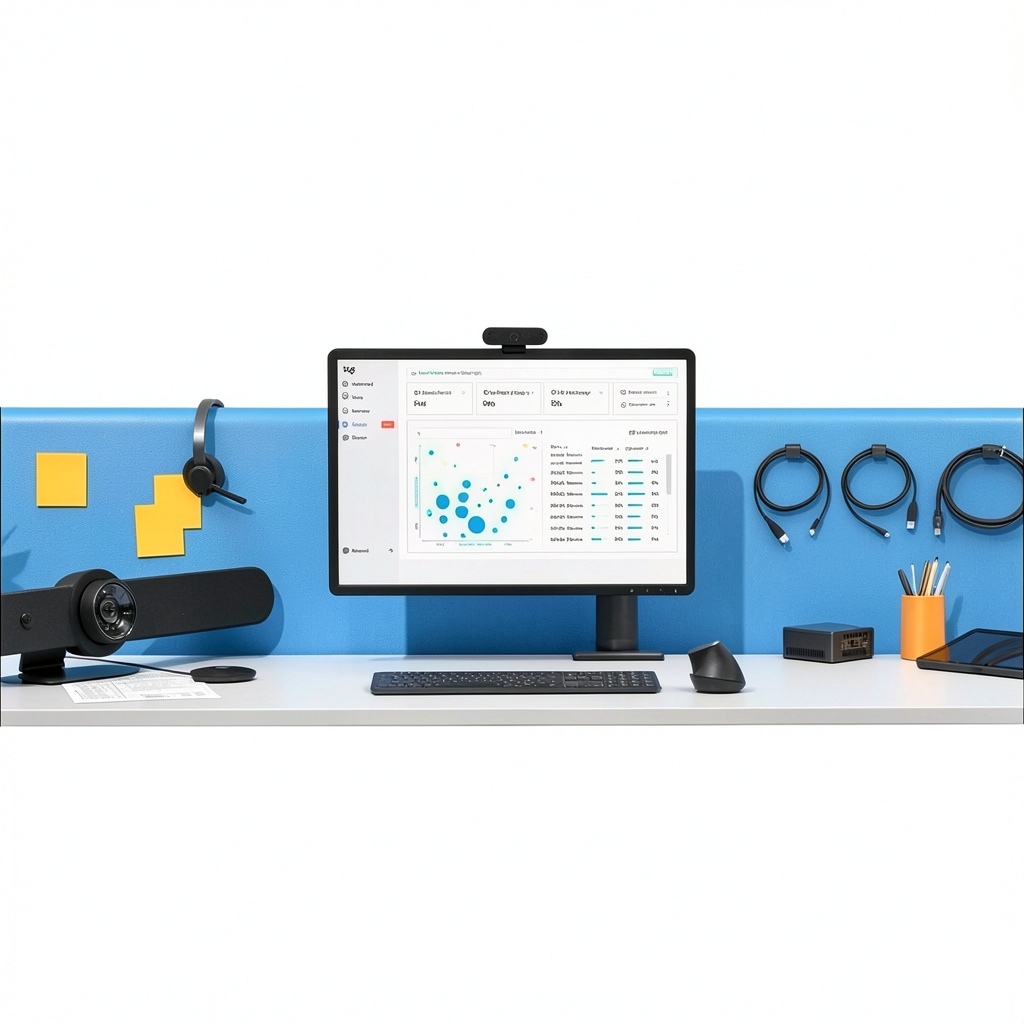
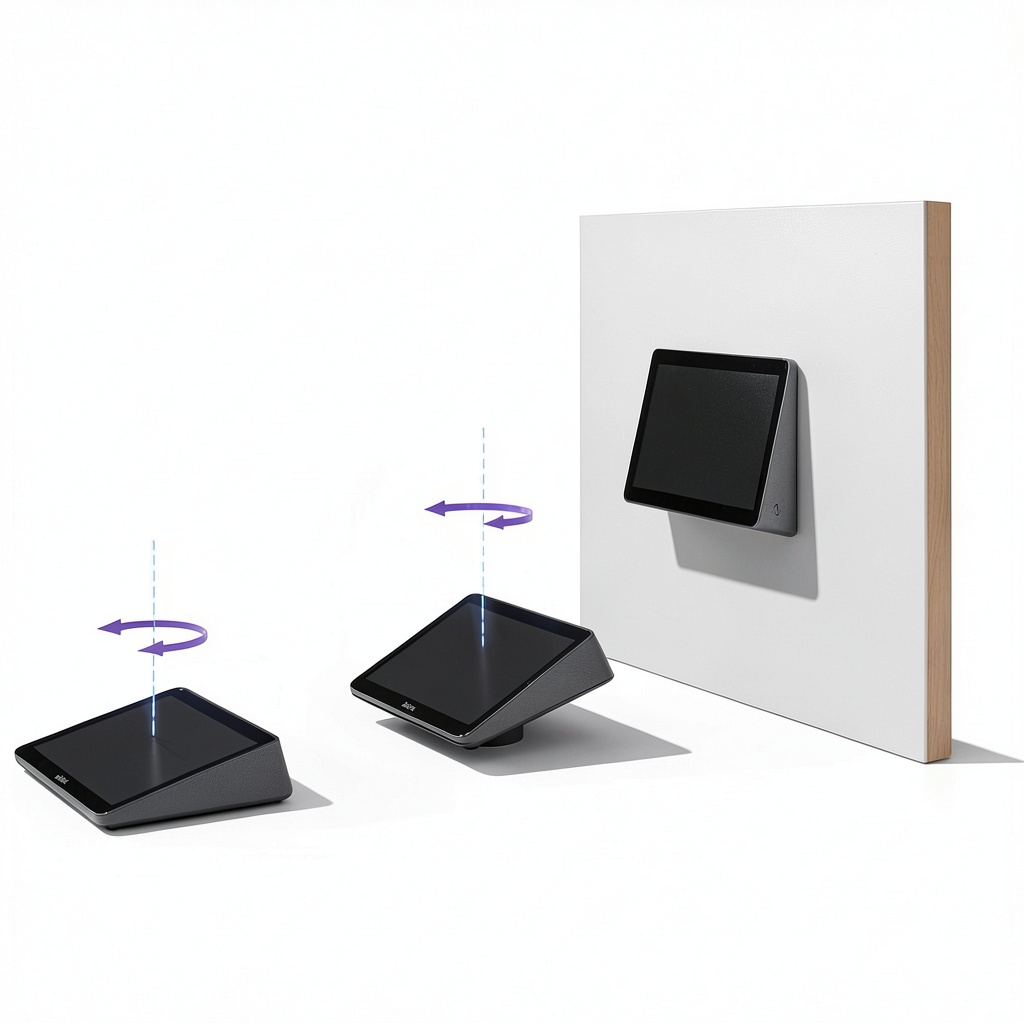
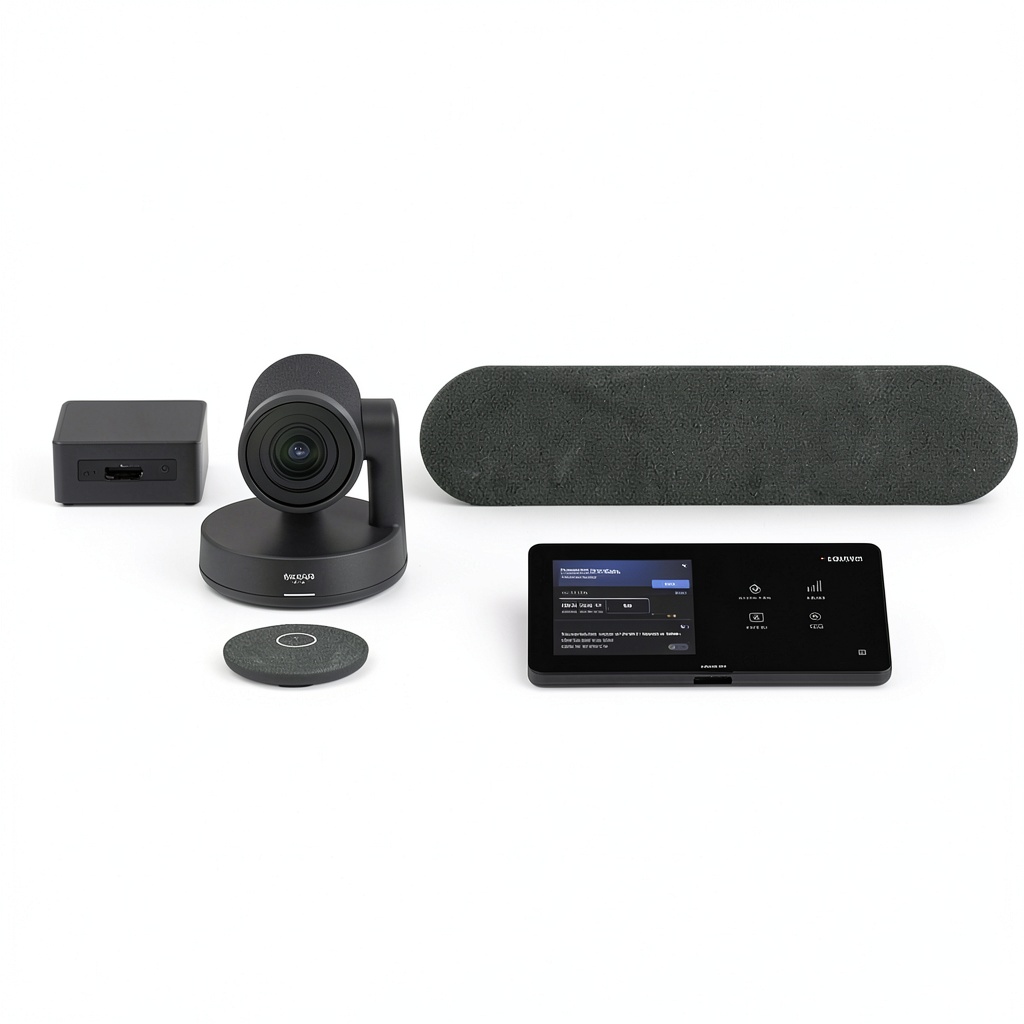
The Logitech Medium Microsoft Teams Rooms system integrates the Tap interface, Rally video bar, and ASUS NUC computing unit to create a comprehensive collaboration solution. Designed for professional environments, it features high-definition video capture, crystal-clear audio, and intuitive controls. The system supports seamless integration with Microsoft Teams, ensuring efficient meeting experiences with robust performance and durable construction in a graphite finish.
Usage
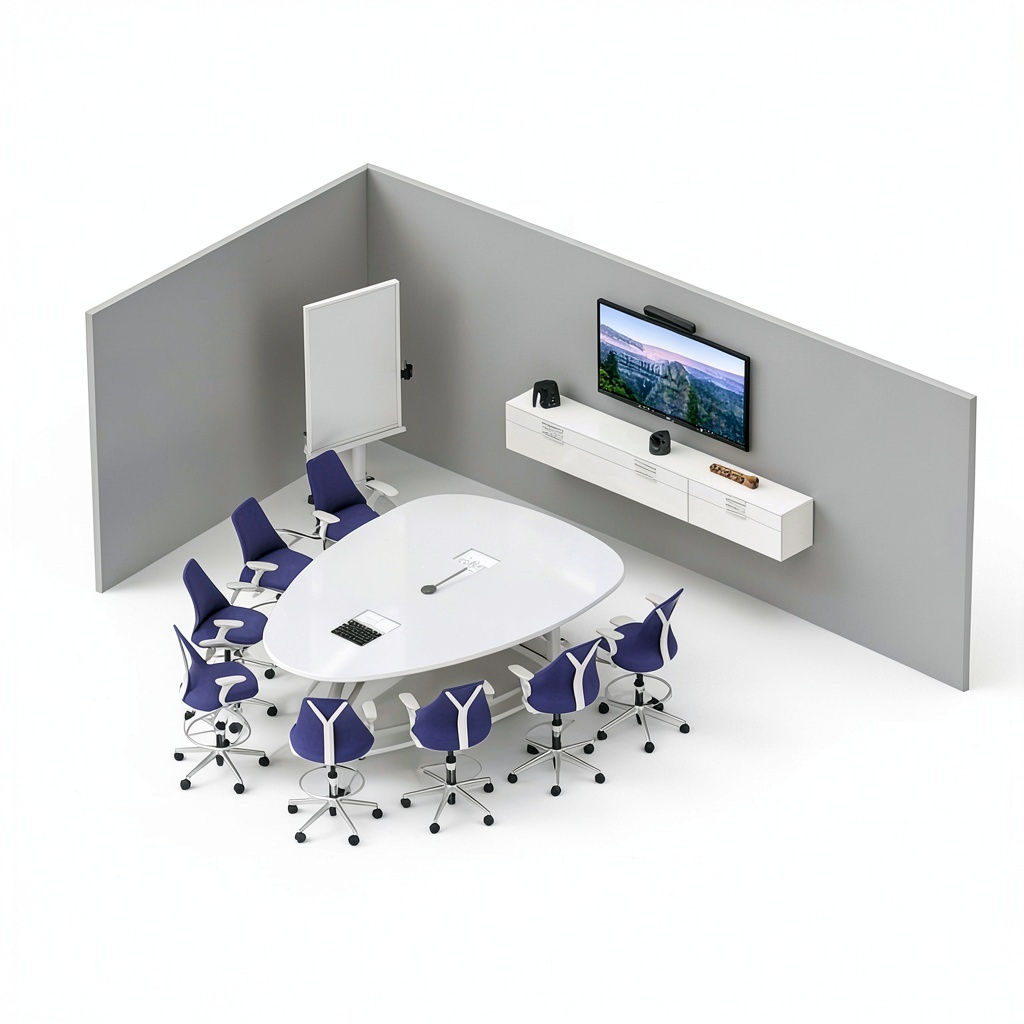
This system is ideal for medium-sized collaboration spaces such as conference rooms, huddle areas, and team meeting rooms in offices, educational institutions, and corporate settings. It facilitates remote meetings, presentations, and group discussions, enhancing productivity and connectivity for businesses relying on video conferencing tools.
Why Choose Us
Logitech’s collaboration systems are built with precision engineering and user-centric design, offering reliable performance and ease of use. The integration with ASUS NUC ensures stable computing, while the Rally system provides superior video quality. This product stands out for its compatibility, durability, and professional-grade features that meet the demands of modern workplaces.
Key Features
- High-definition video and audio for clear communication
- Seamless integration with Microsoft Teams for efficient collaboration
- Durable construction with a sleek graphite design
- Easy-to-use Tap interface for intuitive control
- Reliable performance with ASUS NUC computing support
FAQ
What is included in the Logitech Medium Microsoft Teams Rooms system?
The system includes the Logitech Tap interface, Rally video bar, and ASUS NUC computing unit, all designed to work together for video conferencing and collaboration.
Is this system compatible with other video conferencing platforms?
While optimized for Microsoft Teams, it may support other platforms with additional configuration, but performance is best within the Teams ecosystem.
What room sizes is this system suitable for?
It is designed for medium-sized collaboration spaces, typically accommodating small to medium conference rooms or huddle areas.
How do I set up the Logitech Teams Rooms system?
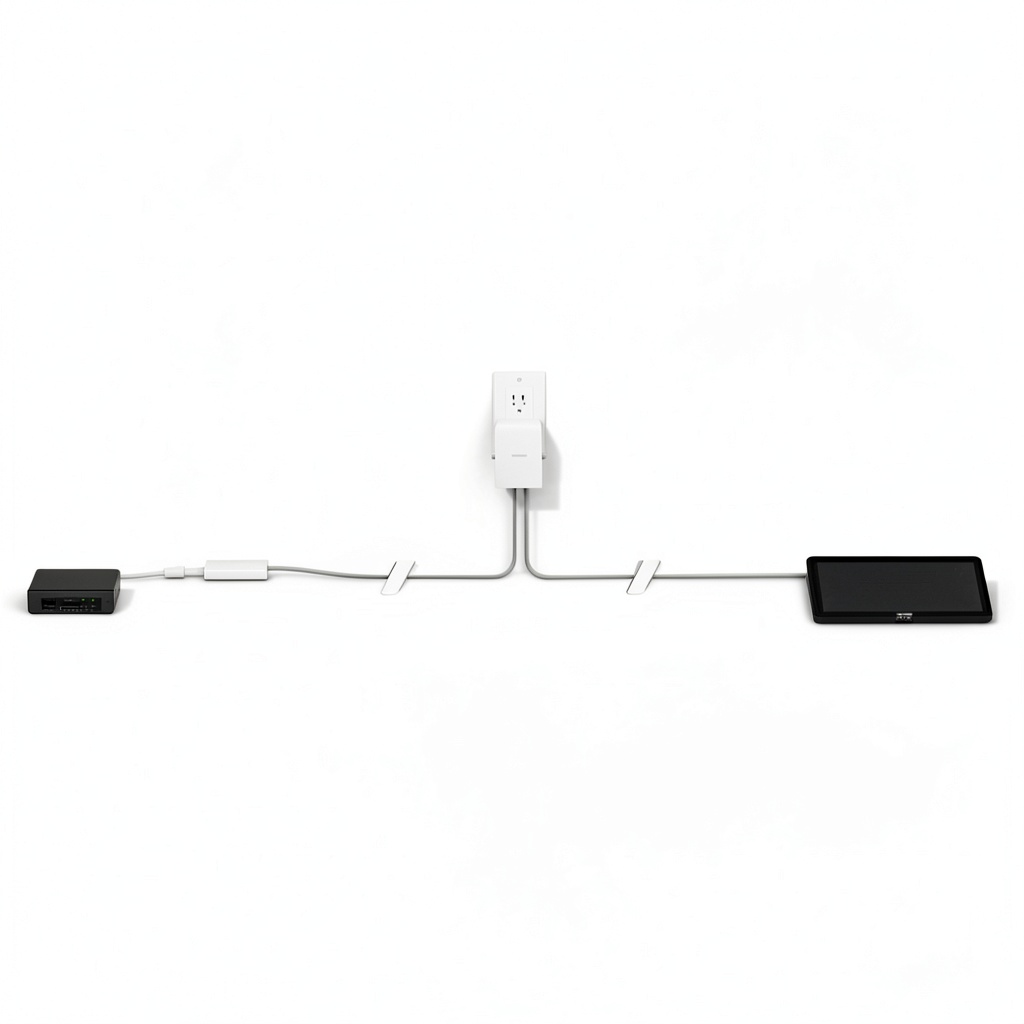
Setup involves connecting the Tap, Rally, and ASUS NUC components as per the provided instructions, with network and software configuration for Microsoft Teams integration.
Does the system require ongoing maintenance?
Regular software updates and occasional hardware checks are recommended to ensure optimal performance, but the system is built for low maintenance in professional use.
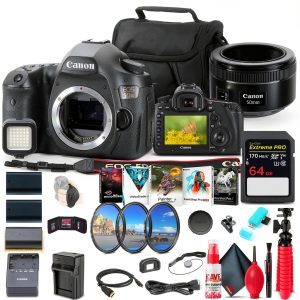
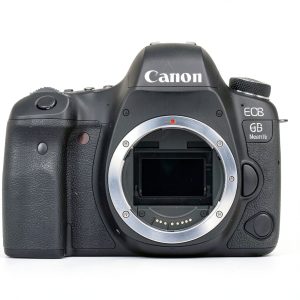 Canon EOS 6D Mark II DSLR Camera Full Frame 26MP
 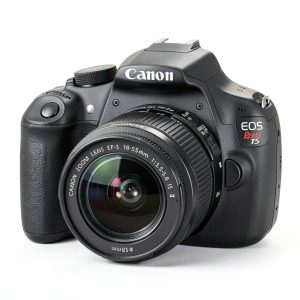 Canon EOS Rebel T5 DSLR Camera 18MP Sensor Full HD Video
 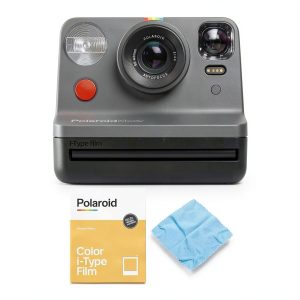 Polaroid Originals Now Viewfinder i Type Instant Camera
 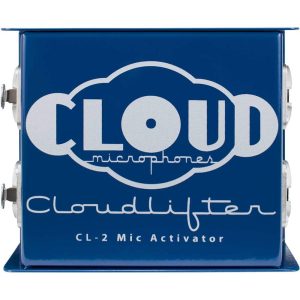 Cloud Microphones Cloudlifter 2.0 Microphone Amplifier JFET
  Team License Plate Frame Bold Design Fits Most Vehicles
  Dell Optiplex 3070 Tower i5 9500 16GB RAM 256GB SSD
 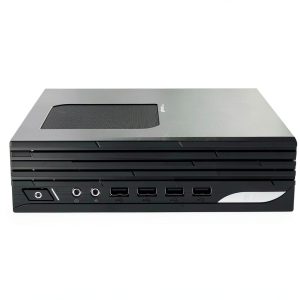 MSI Pro DP21 Desktop Intel Core i3 13100 8GB 1TB SSD
 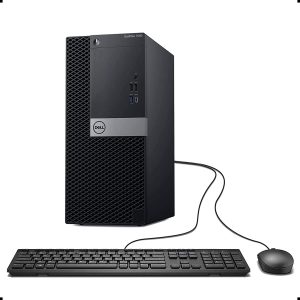 Dell Optiplex 7060 Tower Intel i7 8700 32GB 1TB SSD
  Team License Plate Frame Bold Design All Corner View
 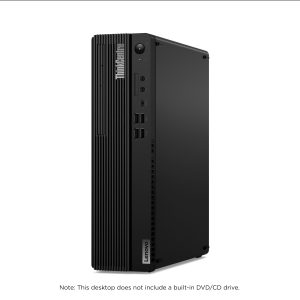 Lenovo ThinkCentre M75s Desktop Ryzen 7 PRO 16GB SSD
 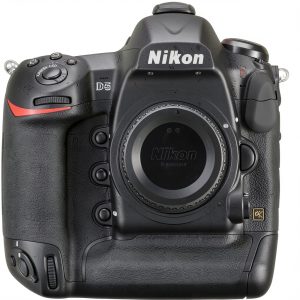 Nikon D5 DSLR Camera Professional Photography Dual XQD
  Heil Fin Dynamic Microphone Studio Live Performance LED Glow
 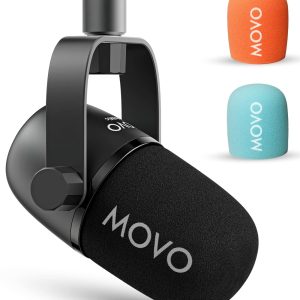 CastMic XLR Microphone Premium Audio for Podcasting
 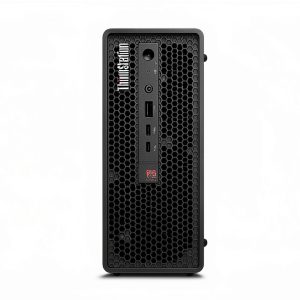 Lenovo ThinkStation P3 Ultra Desktop Intel Core i5 13600
  Dell Optiplex 3060 Tower i5 8500 16GB SSD Desktop Computer
 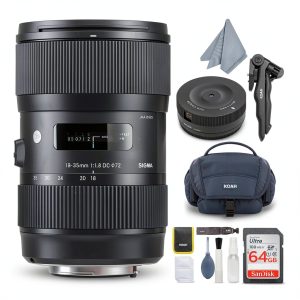 Sigma 18 35mm F1.8 Art Lens for Canon DSLR Cameras
  Dell Optiplex 3070 Tower Intel I7 16GB SSD Windows 11 Pro
 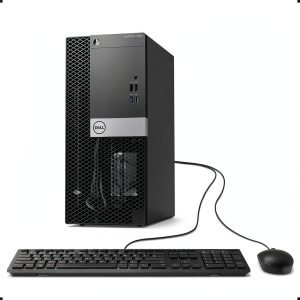 Dell Optiplex 7060 Tower Intel i7 16GB RAM 256GB SSD
 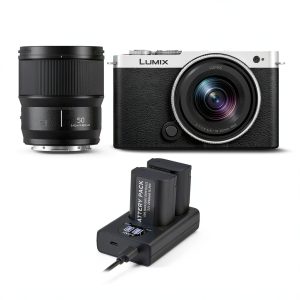 Panasonic LUMIX S9 Mirrorless Camera Full Frame Professional
 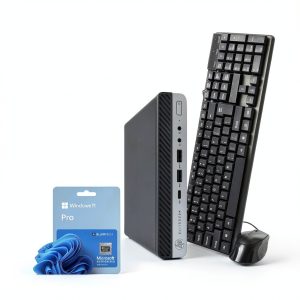 HP EliteDesk 800G5 Mini Computer Intel i7 8GB RAM
 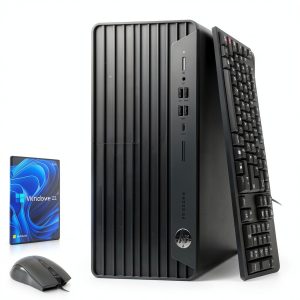 HP Refurbished G6 Desktop Intel i5 16GB RAM WiFi Win11
 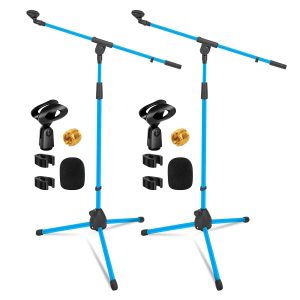 Pavo Height Adjustable Tripod Boom Mic Stand Metal Studio
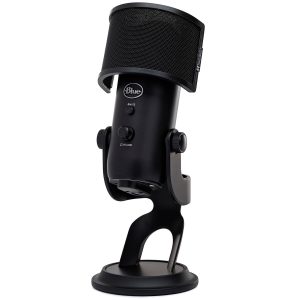
 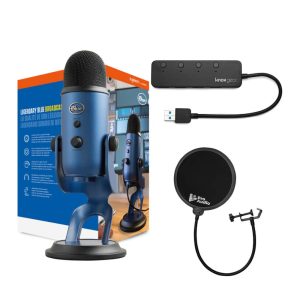 Blue Yeti USB Microphone Studio Controls Zero Latency
Reviews
There are no reviews yet.